


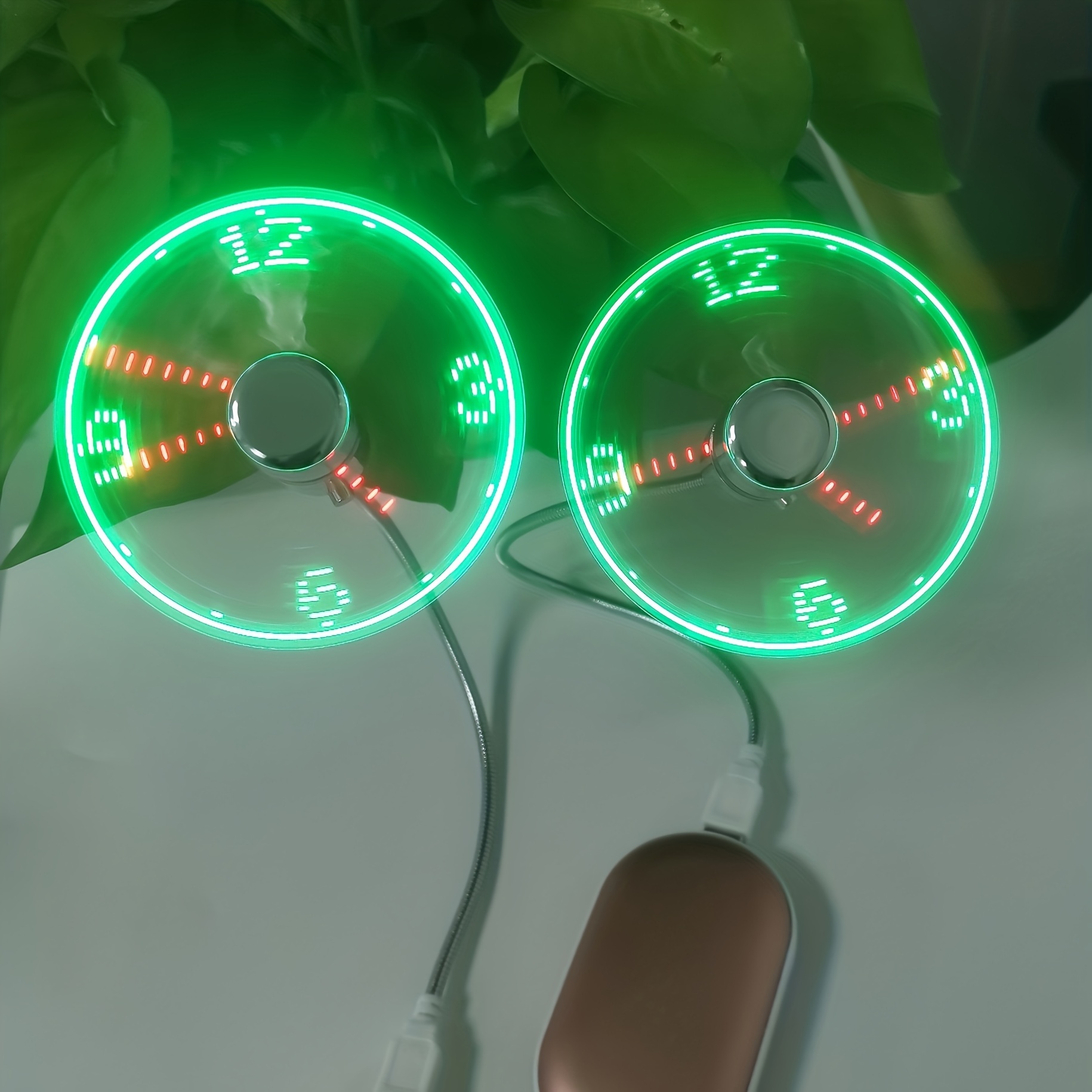
Portable USB Table Fan with LED Time Display and Metal Hose
-
Delivery Estimate Jan 07 - Jan 11
-
Shipping Information
Free shipping on orders over $100.
-
Easy Returns
Return within 30 days of purchase

SPECIFICATIONS
Accessory: no components
Battery Properties: Without Battery
Contain Electronic Components/Motherboard: Does not contain electronic components or motherboard
Fan Type: Table fan
Item ID: CW31879
Operating Voltage: ≤36V
Origin: Guangdong,China
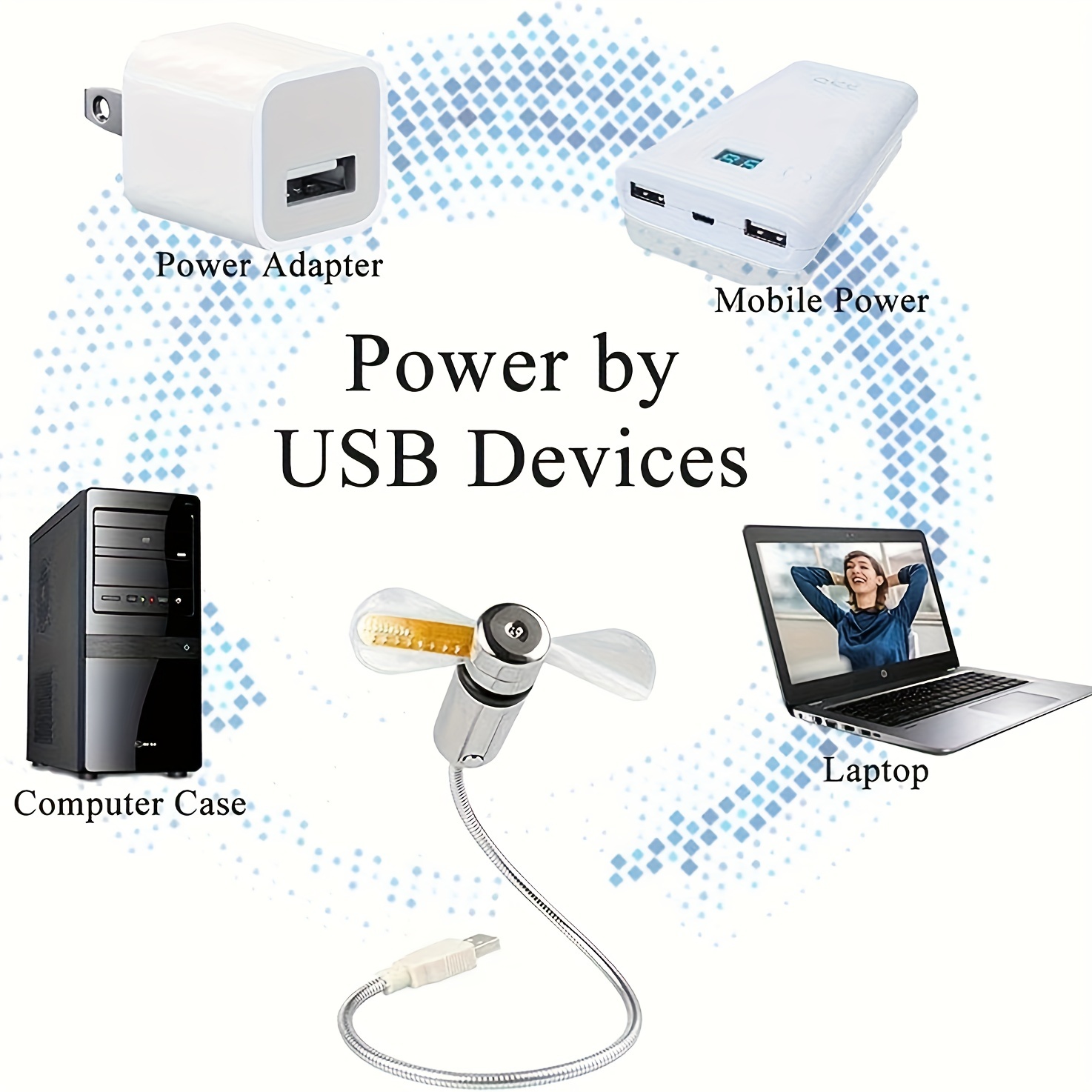
Power Mode: USB
Material: Material: Metal Hose+abs Electroplating+pvc Fan Leaf Features: Projection Clock Features: Projection Clock
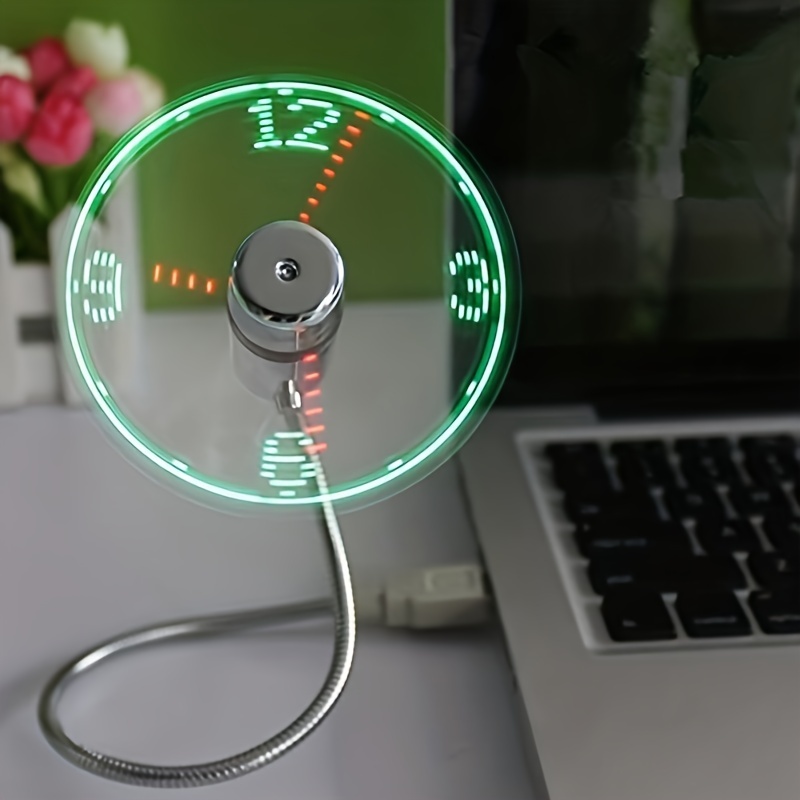
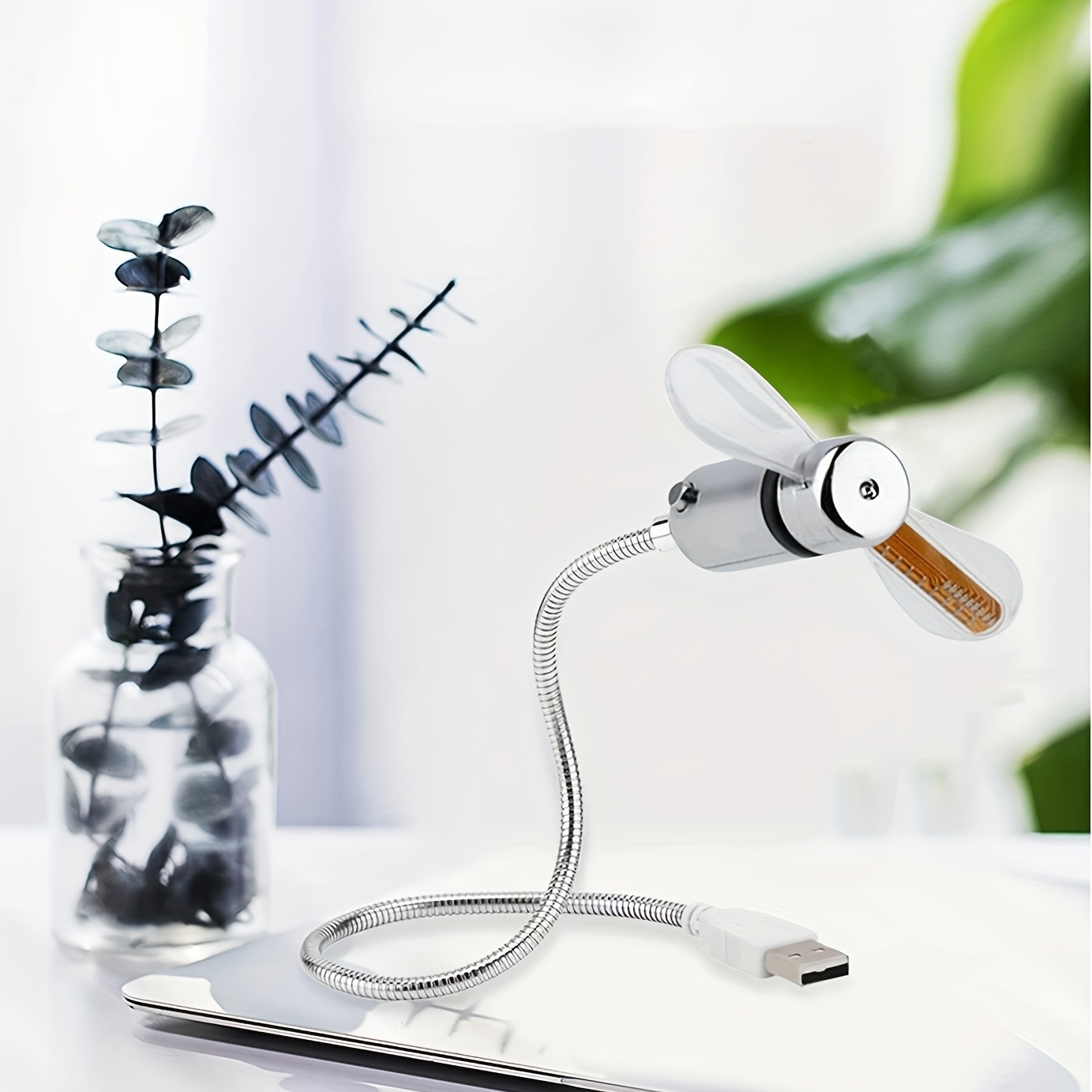
1. Just Connect To Any USB Port On The Computer. Carefully Insert The Flexible Neck So That The Cool Wind Can Be Directed In Any Direction. Durable And Soft Fan Blades Will Not Hurt Children's Fingers When Touching
2. If The Power Supply Is Interrupted, Restart The Fan Next Time. There Is No Need To Adjust The Time. After The Adjustment, There Will Be Memory.
3. Ultracompact And Lightweight.
4. USB Port Drive, Without External Power Supply.
5. Pause After 4-5 Hours. Extended Service Life. Instructions For Clock Fan
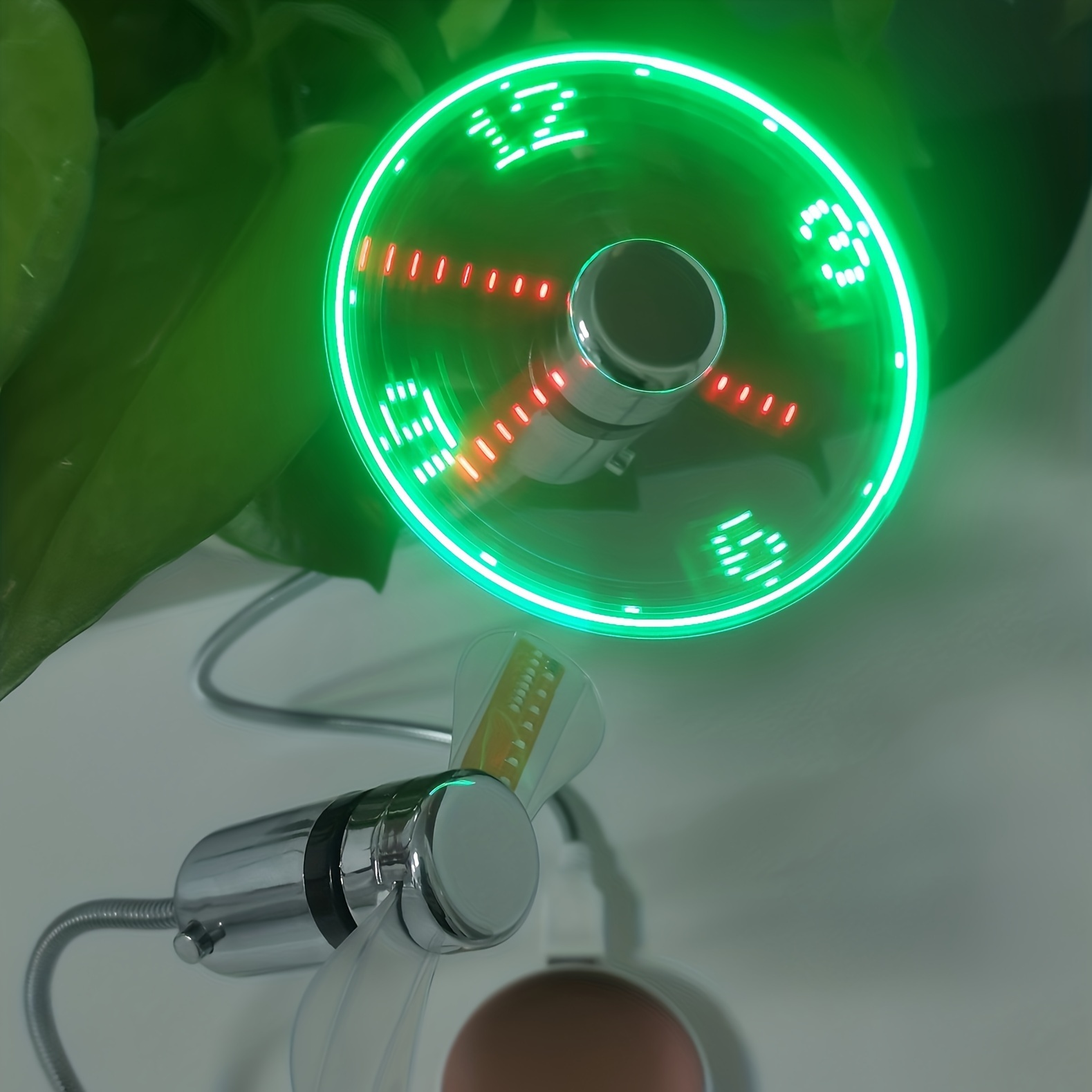
1. Insert The Fan Into The USB Port, Press The ON Key, And The Fan Starts To Rotate And Displays The Clock. Note: It Takes 20 Seconds For The Fan Clock To Load Completely.
2. Press And Hold The Opening Key, The Minute Hand Starts To Flash, And Release The Opening Key. Press The ON Key For Several Short Times To Fine-tune The Clock To The Current Accurate Time, Quickly A
Shipping cost is based on weight. Just add products to your cart and use the Shipping Calculator to see the shipping price.
We want you to be 100% satisfied with your purchase. Items can be returned or exchanged within 30 days of delivery.